Request your data from BeReal
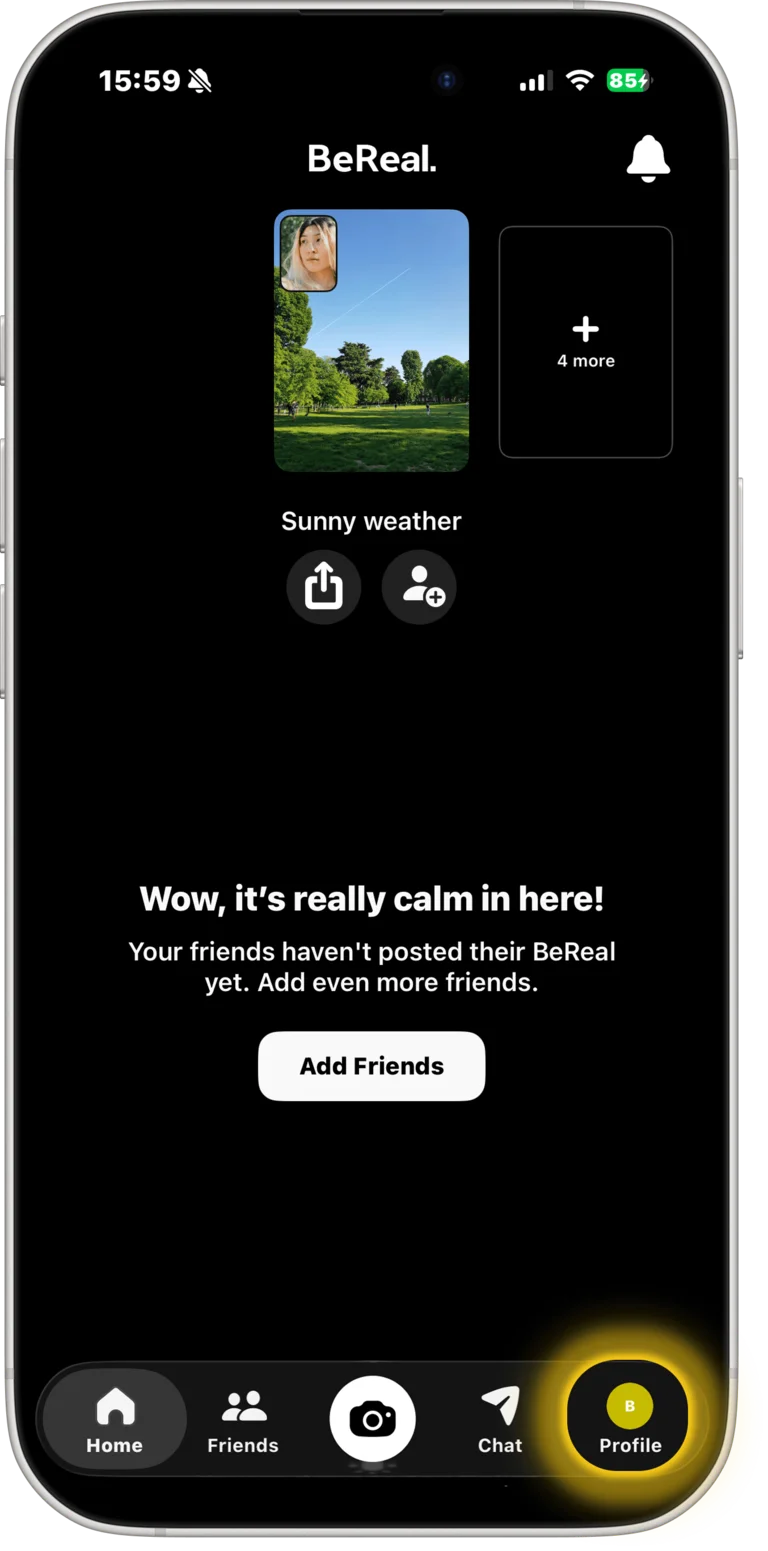
Step 1: Open Profile
From the home screen, tap your profile picture (bottom right).
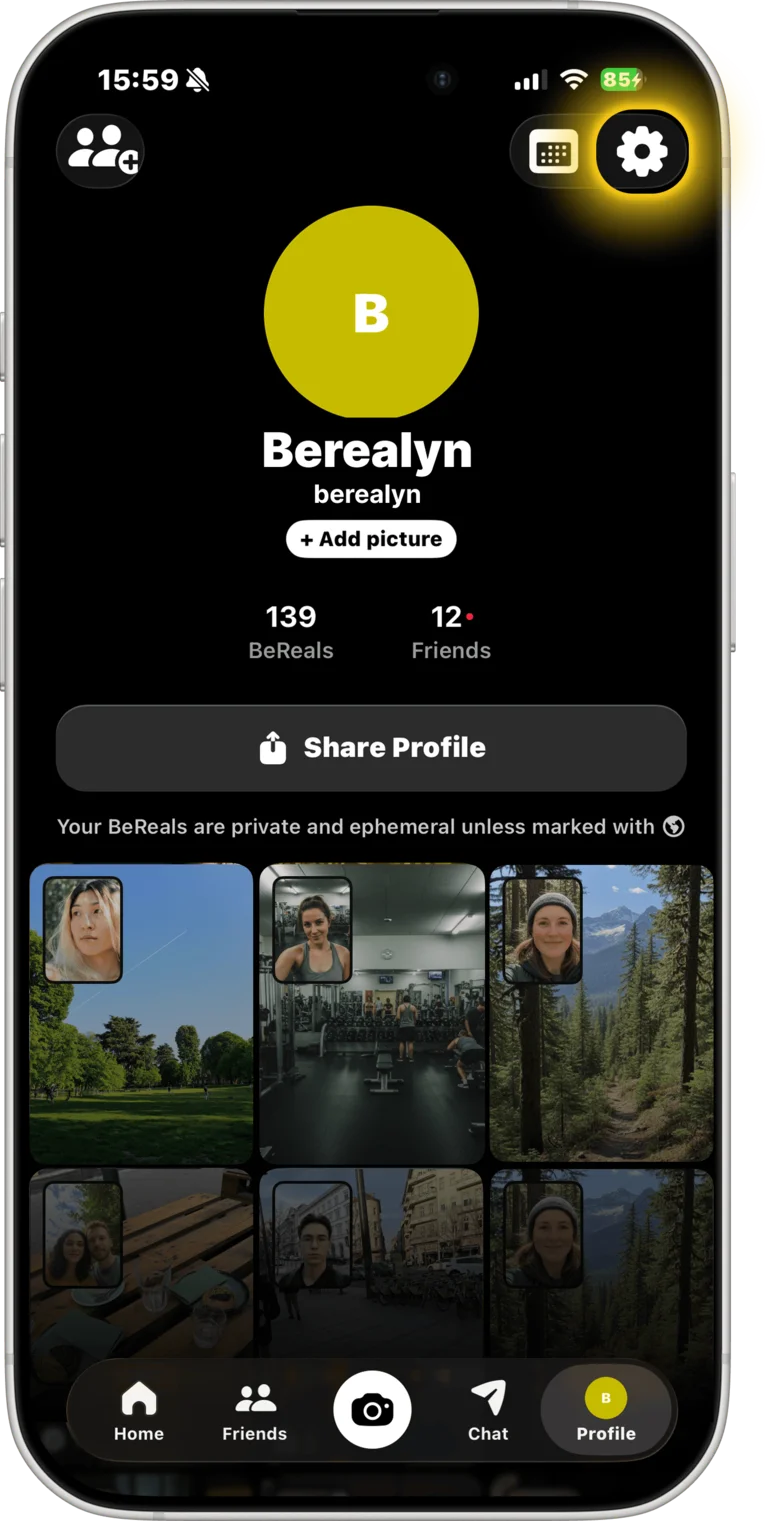
Step 2: Go to Settings
Tap the gear icon (top right corner).
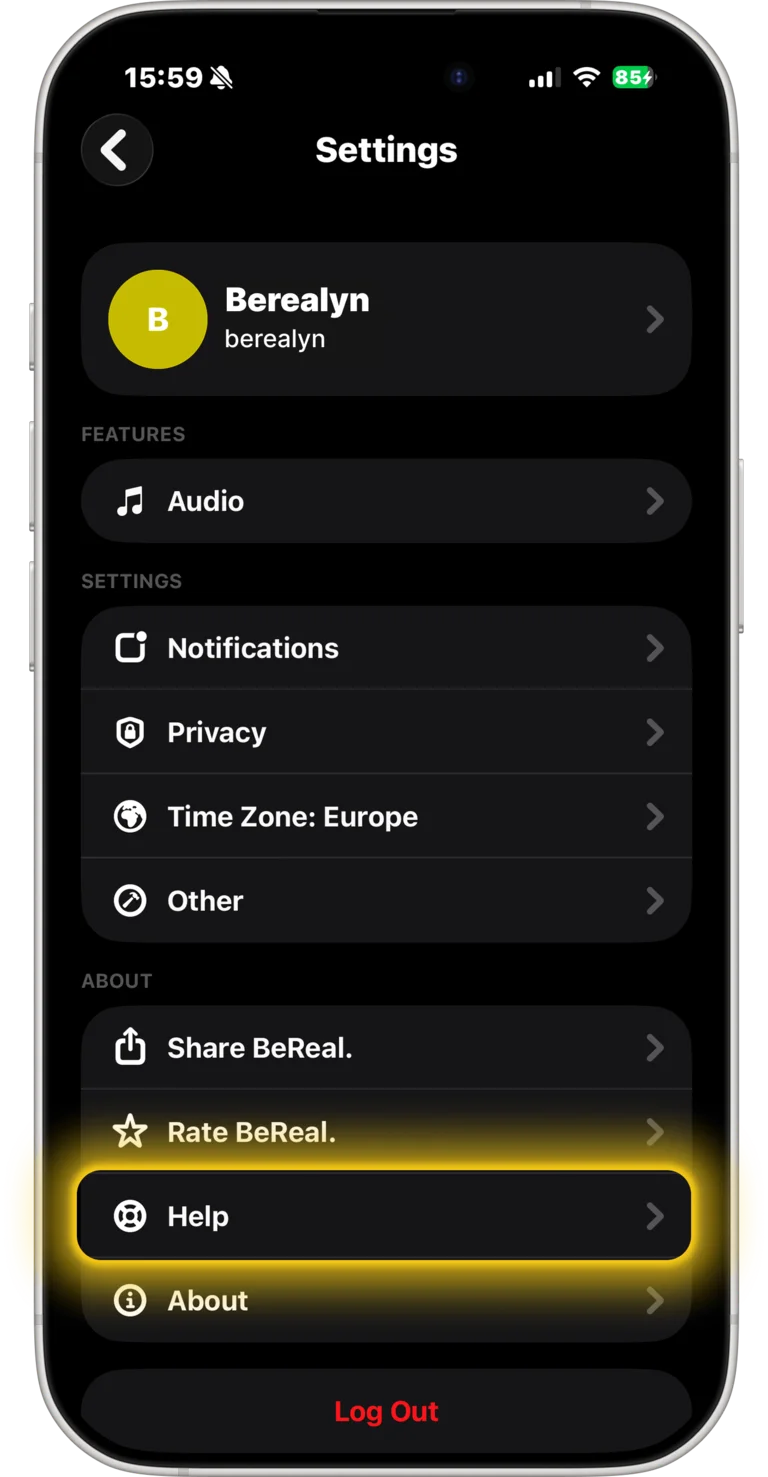
Step 3: Open Help
Scroll down and tap Help under About
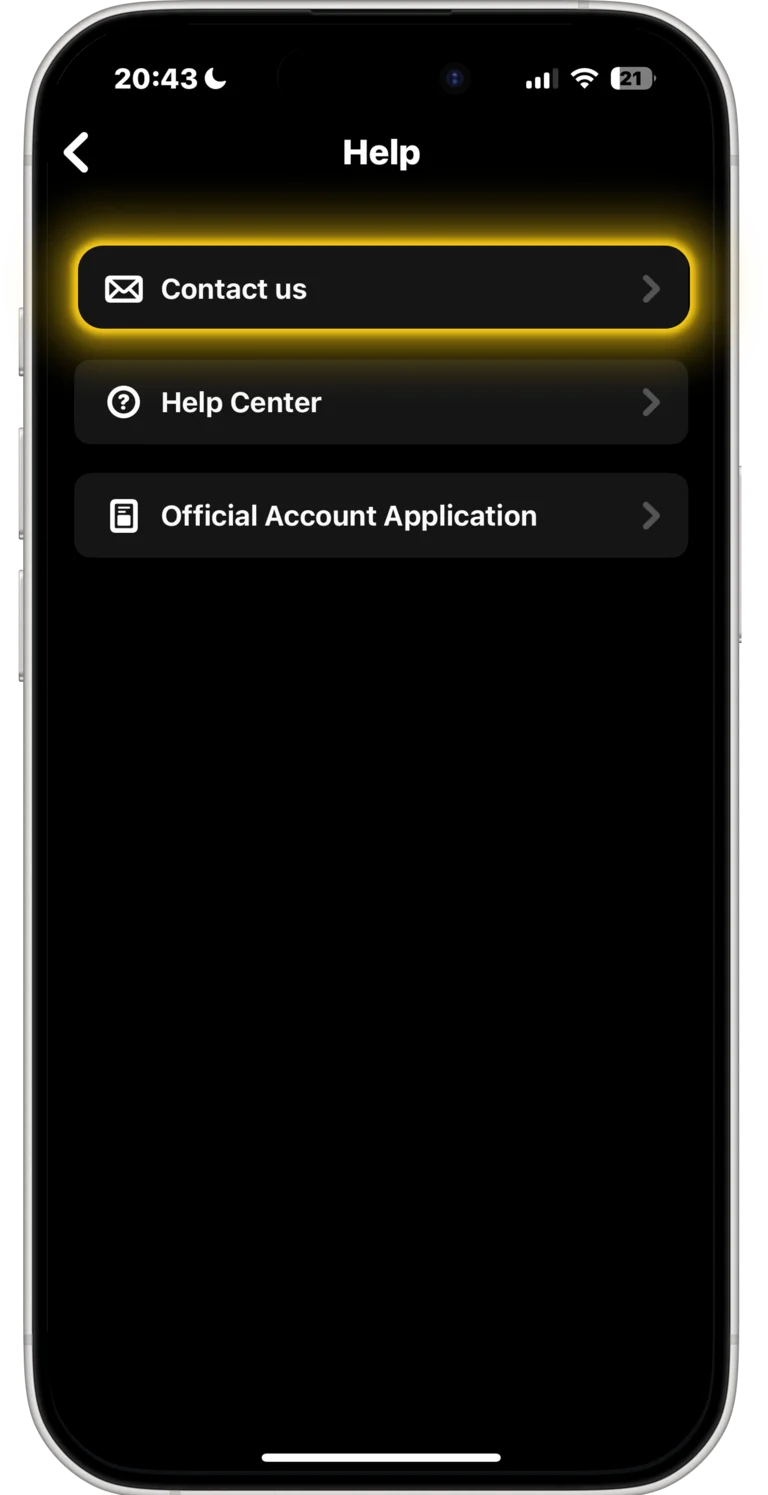
Step 4: Select "Contact us"
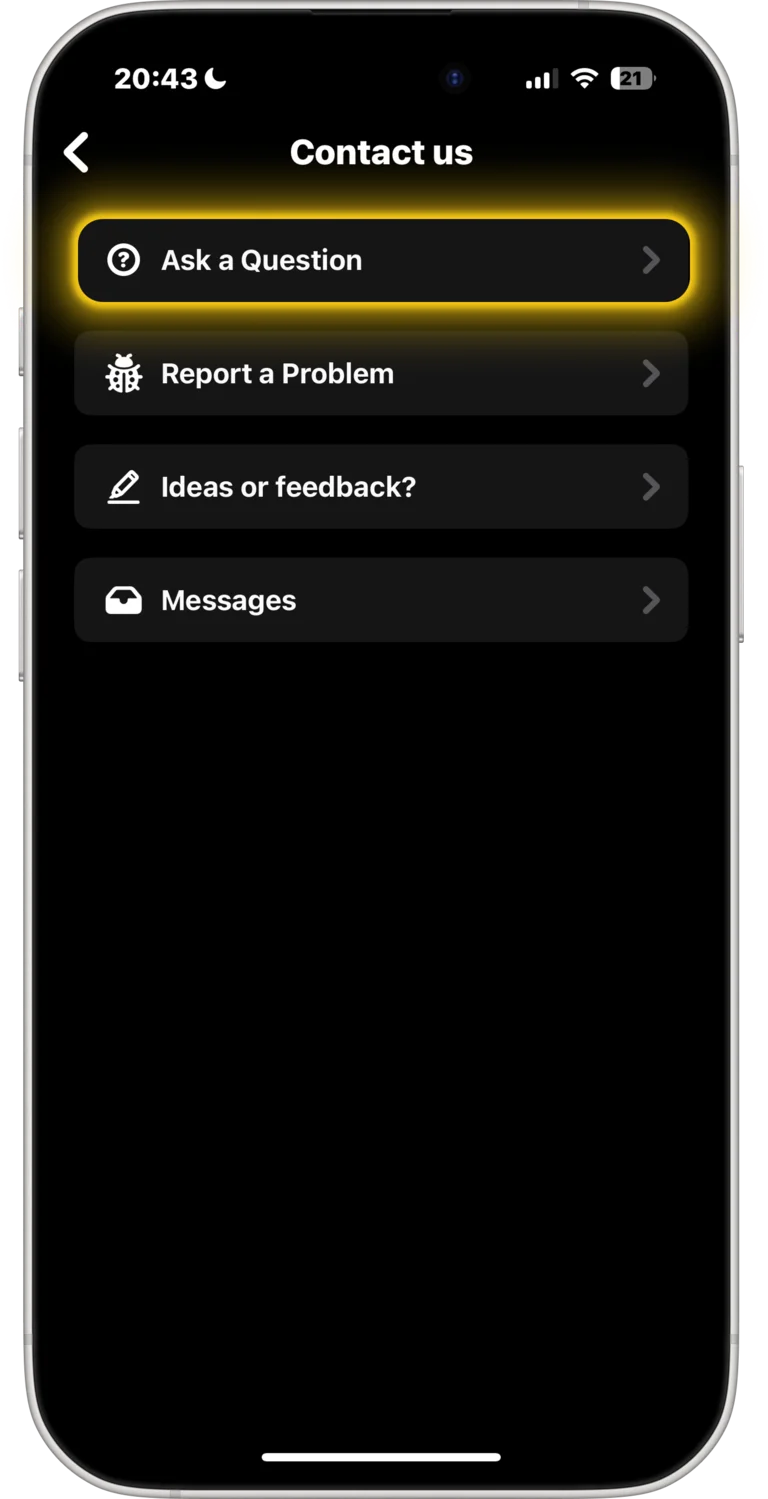
Step 5: Choose "Ask a Question"
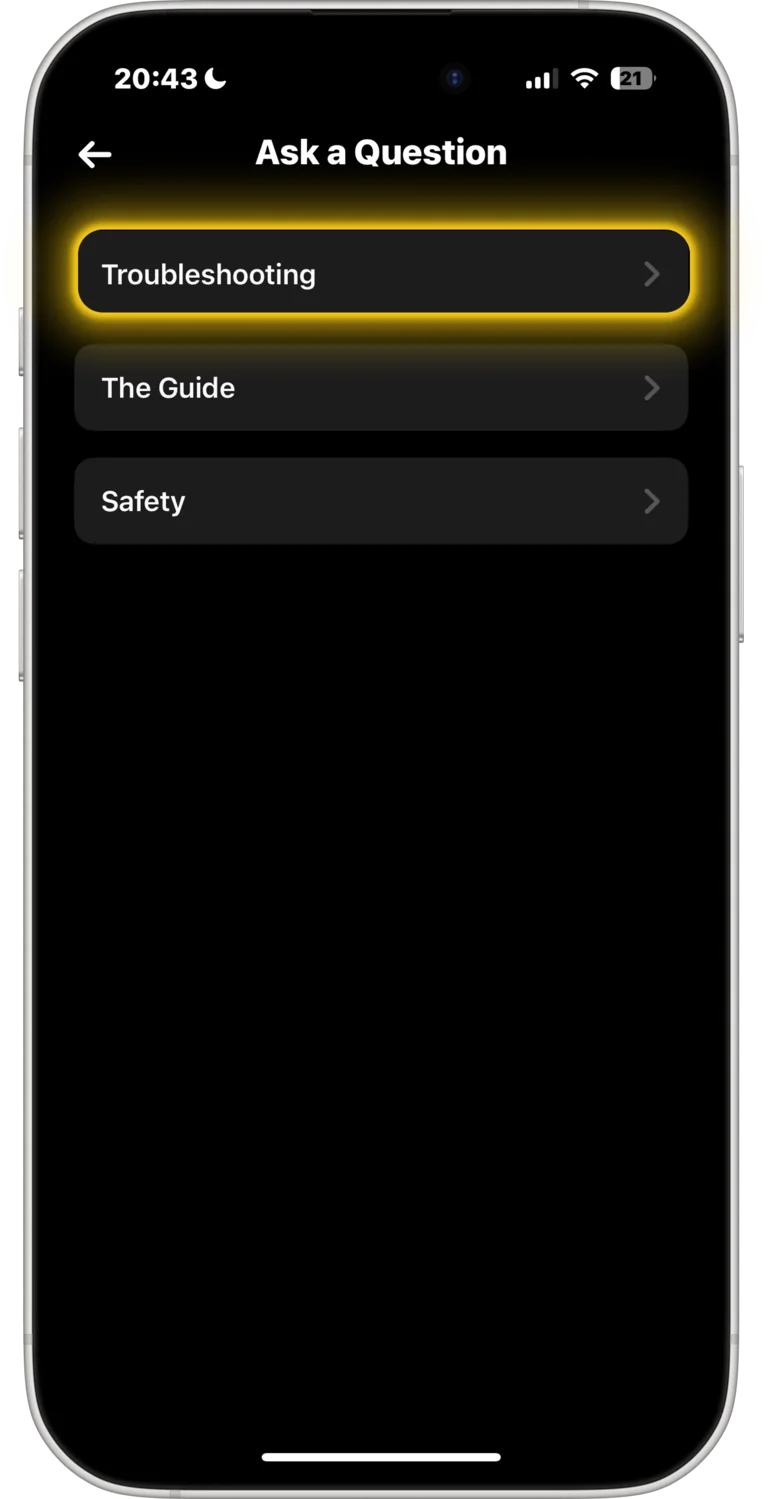
Step 6: Select "Troubleshooting"
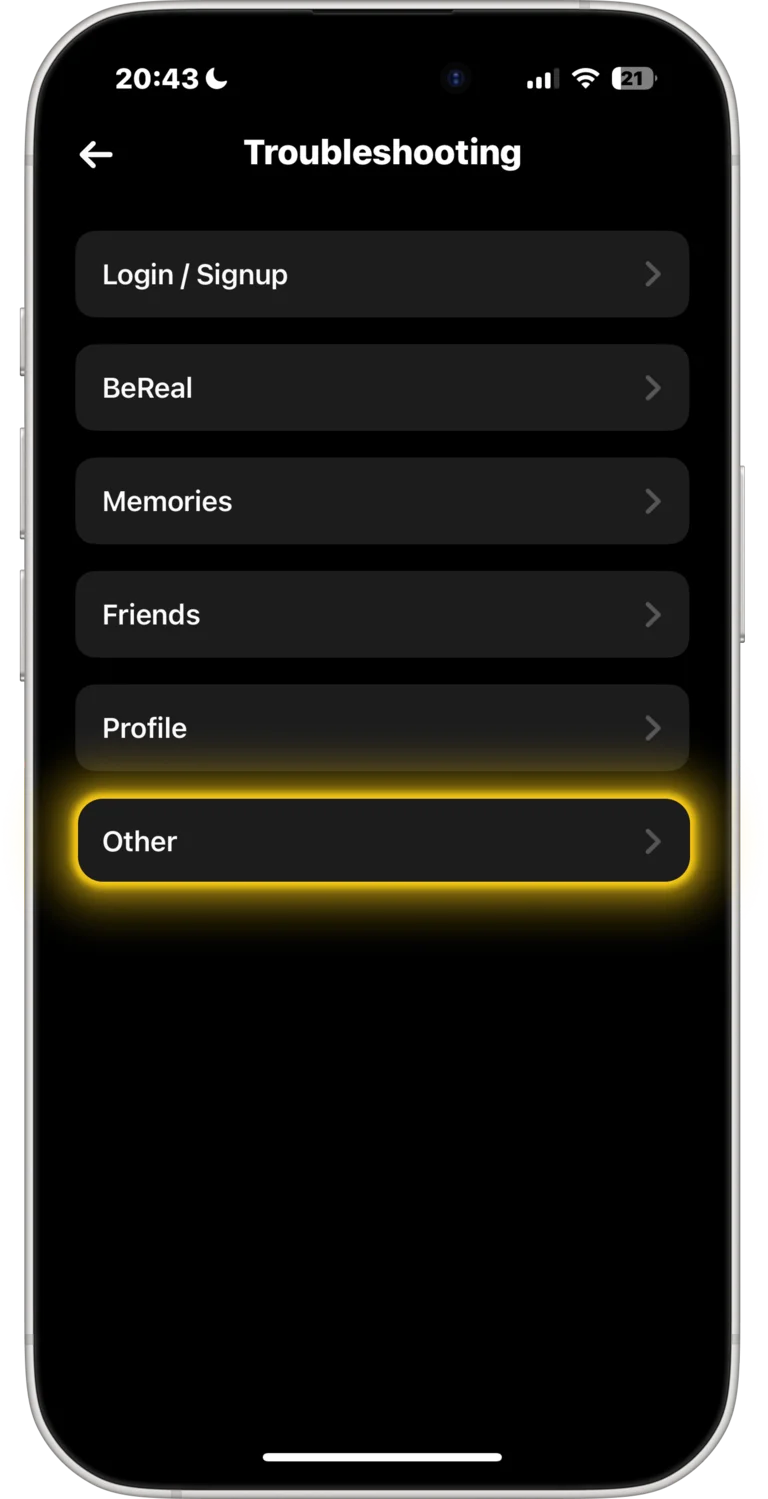
Step 7: Tap on "Other"
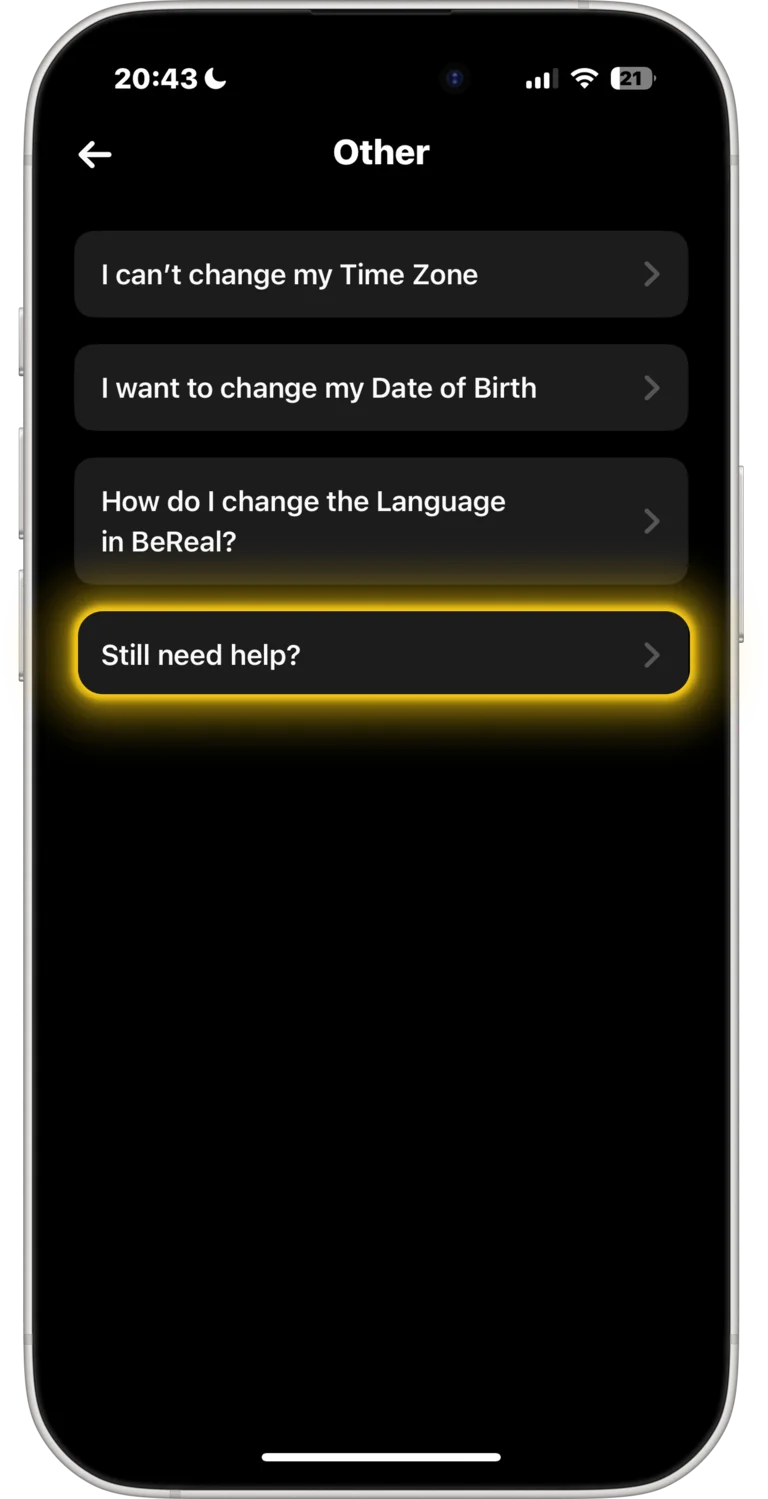
Step 8: Tap on "Still need help?"
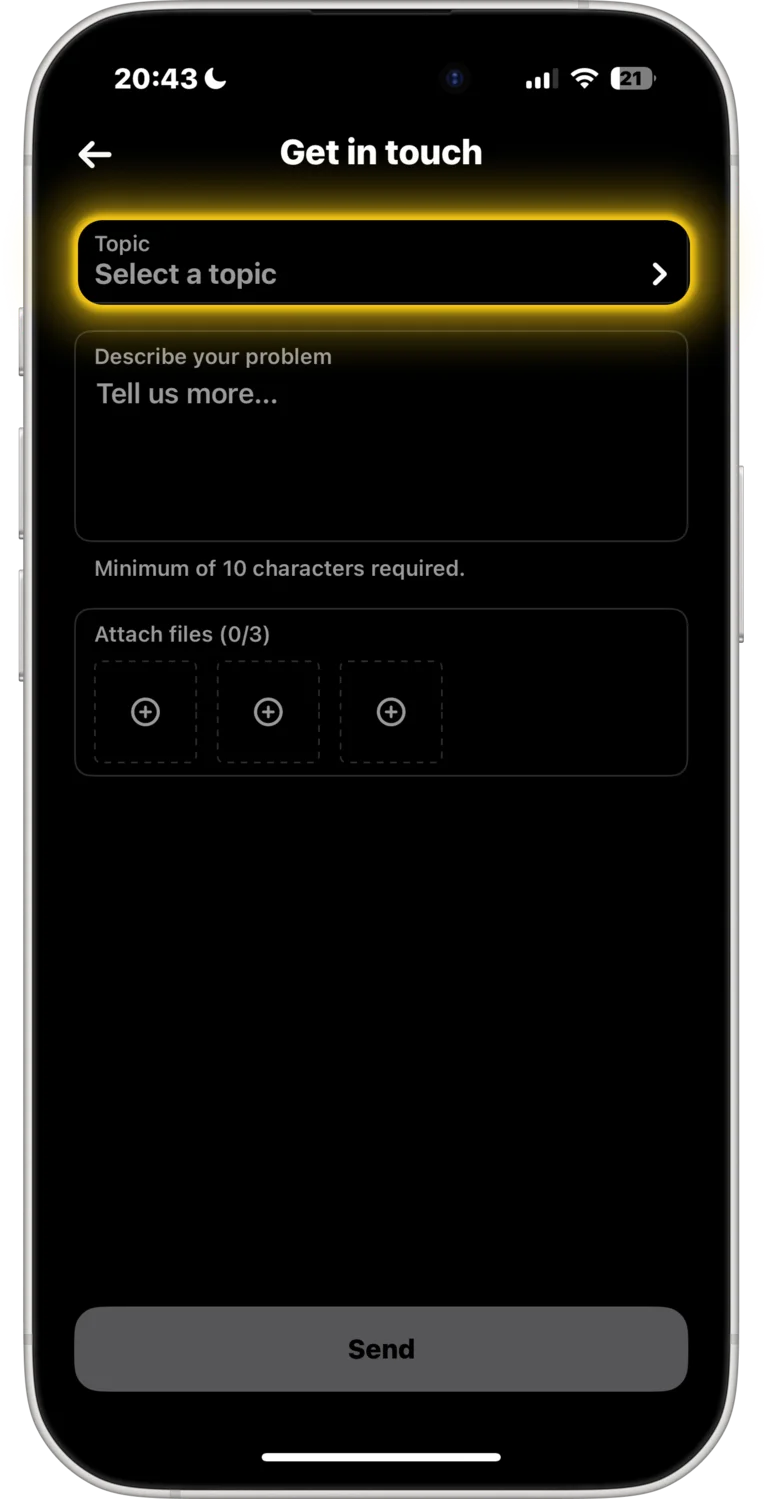
Step 9: Choose "Select Topic"
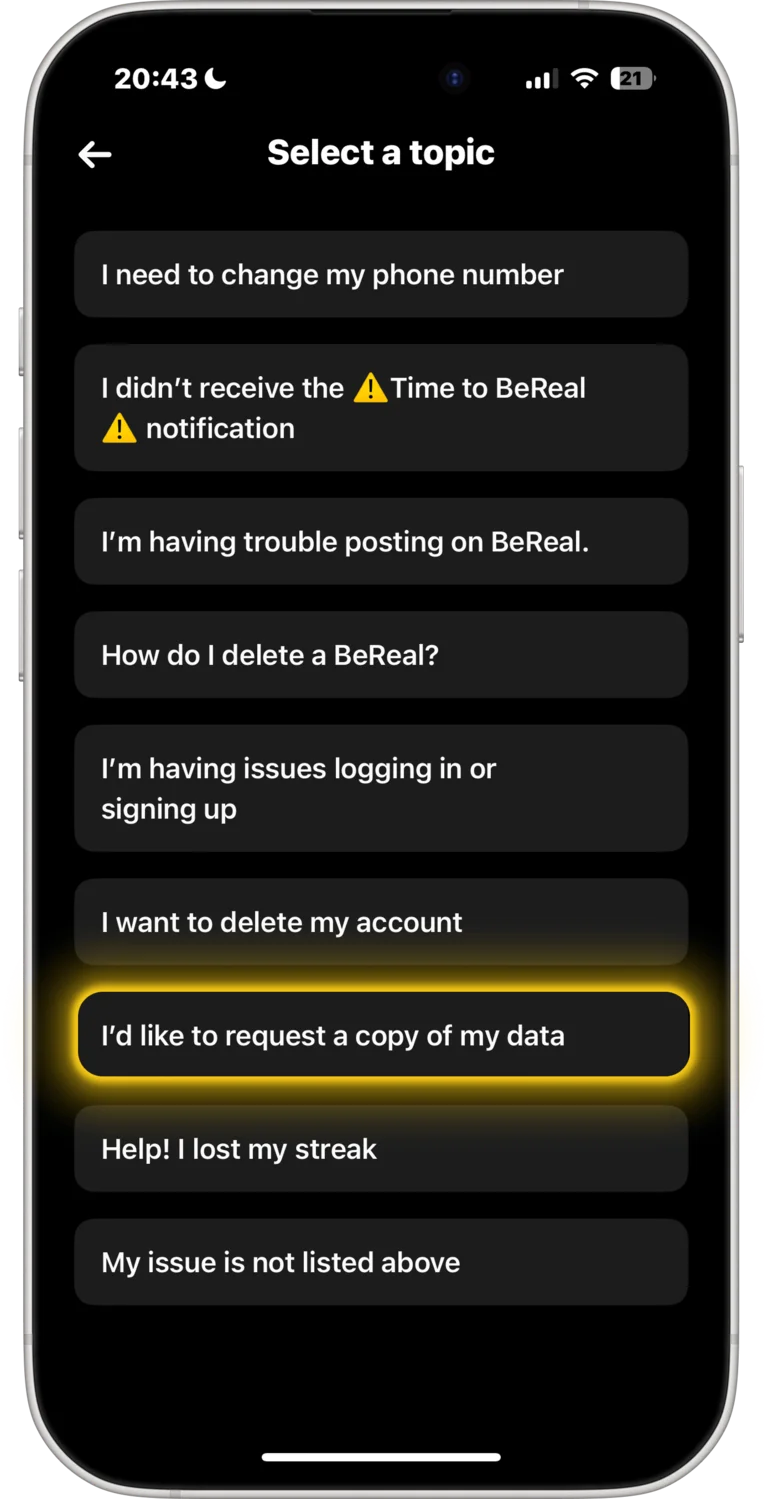
Step 10: Select topic
Choose "I'd like to request a copy of my data" as a topic
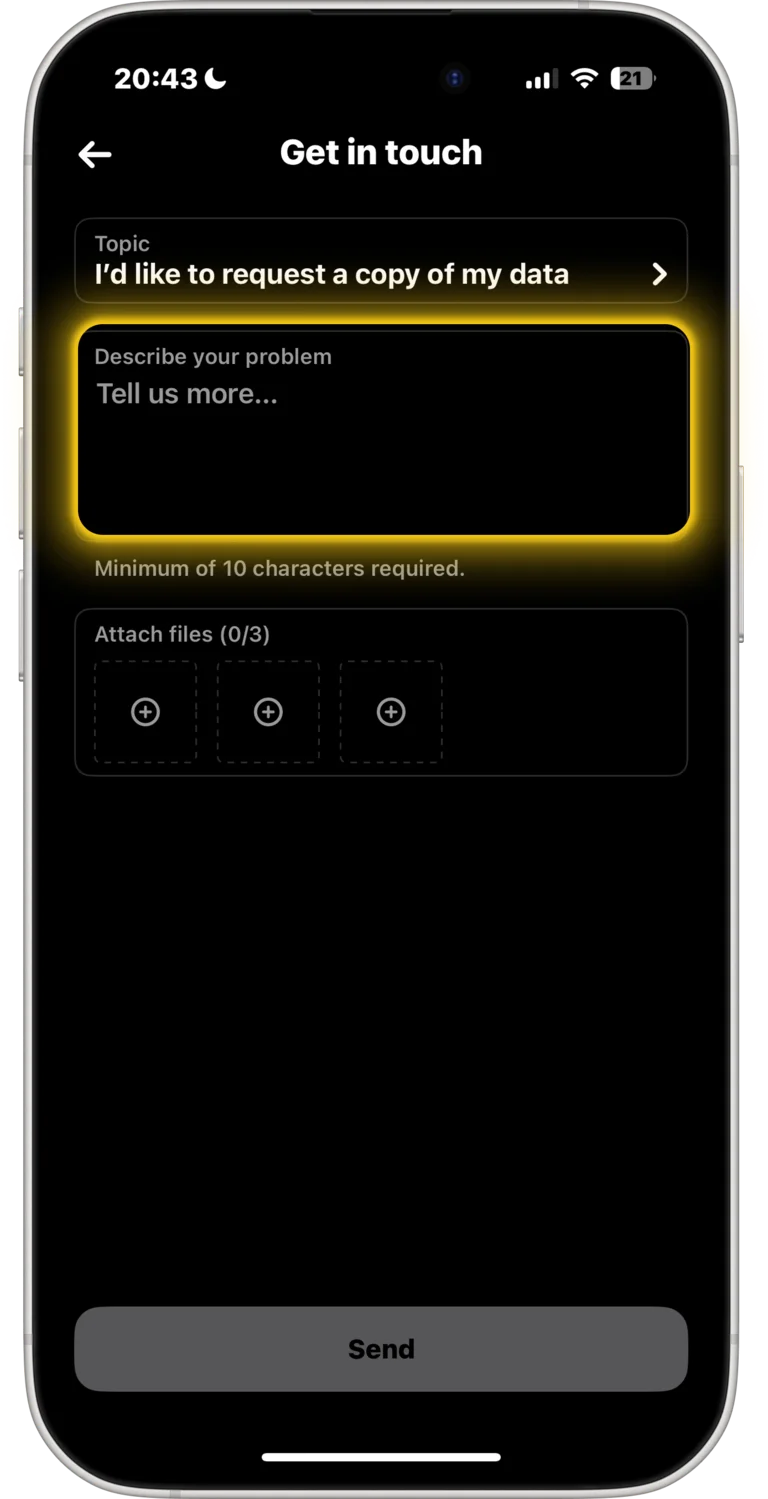
Step 11: Send data request
Paste the following text as your message
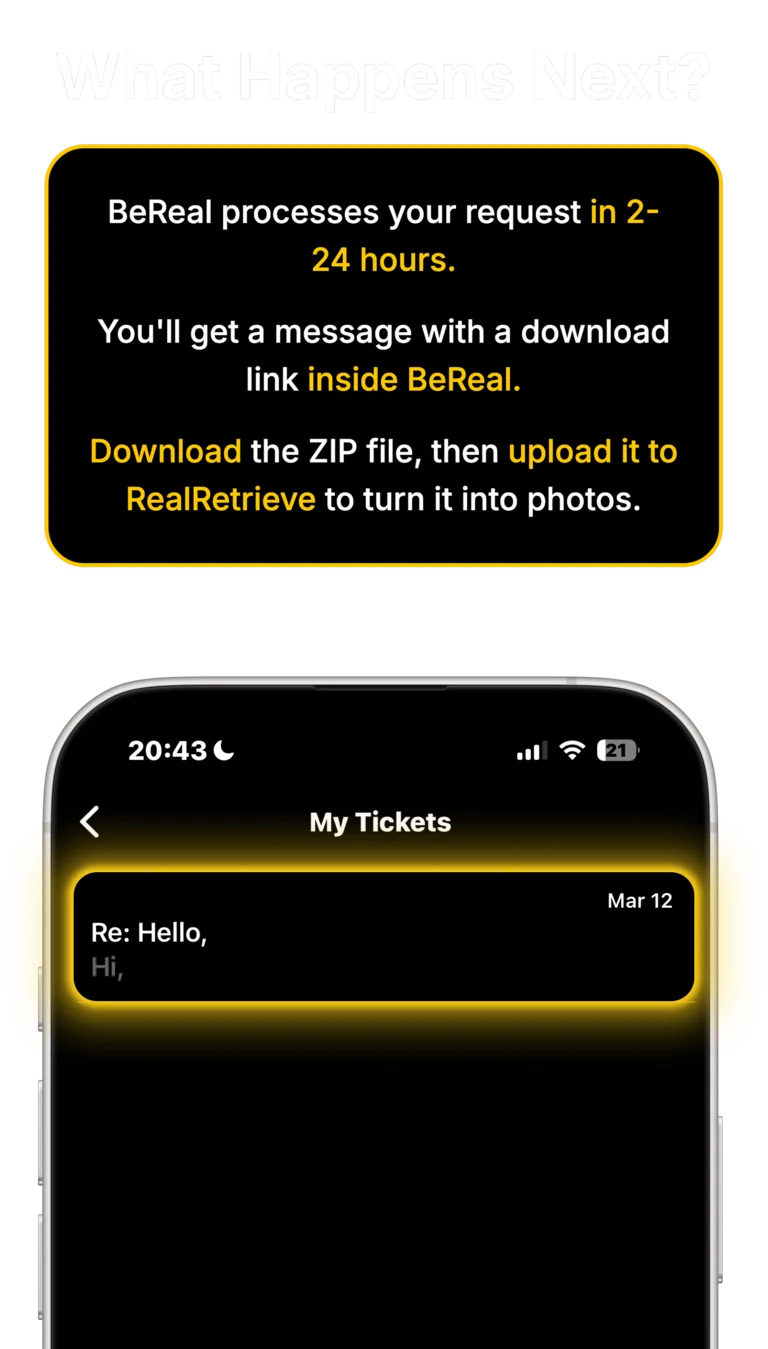
We can remind you when your data should be ready to download.